⏱️
Timed practice plans
Build practice from your drill library, see every block on the clock, and print a copy for the gym.
 The Extra Coach
The assistant coach in your pocket
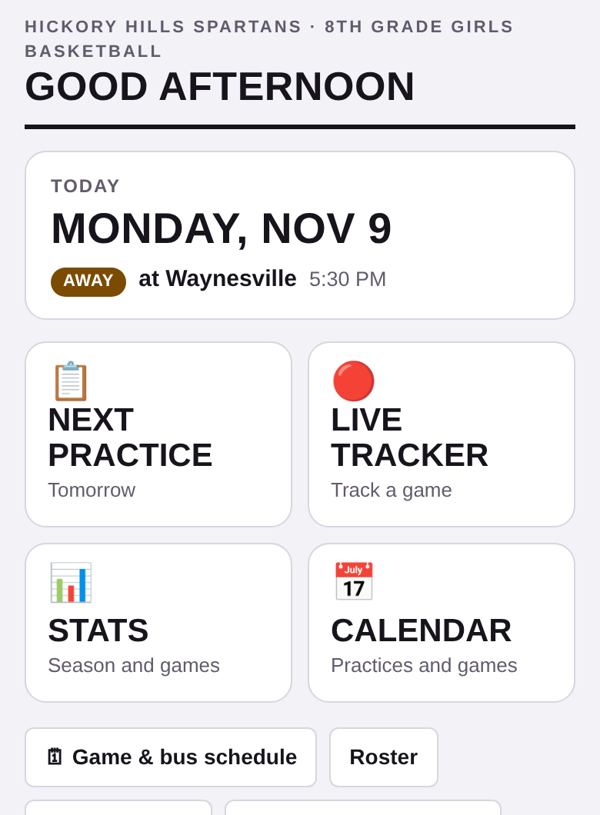
Practice plans, animated plays, the season calendar, live stats and everything parents need, in one app your whole staff shares.
Works on any phone, tablet or computer. Add it to your home screen like an app.
See it in 30 seconds
What it does
Build practice from your drill library, see every block on the clock, and print a copy for the gym.
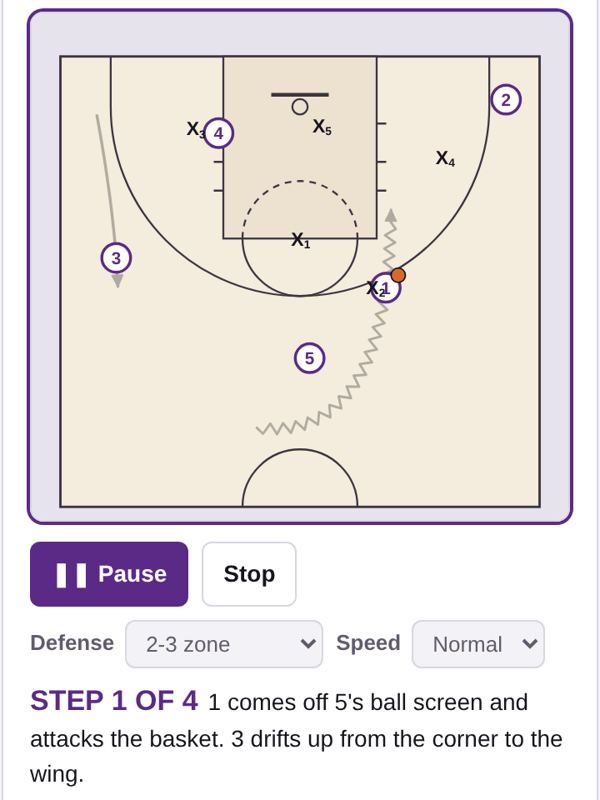
Draw a play once and watch it run step by step. Add man, 2-3, 3-2 or box-and-1 defense automatically.
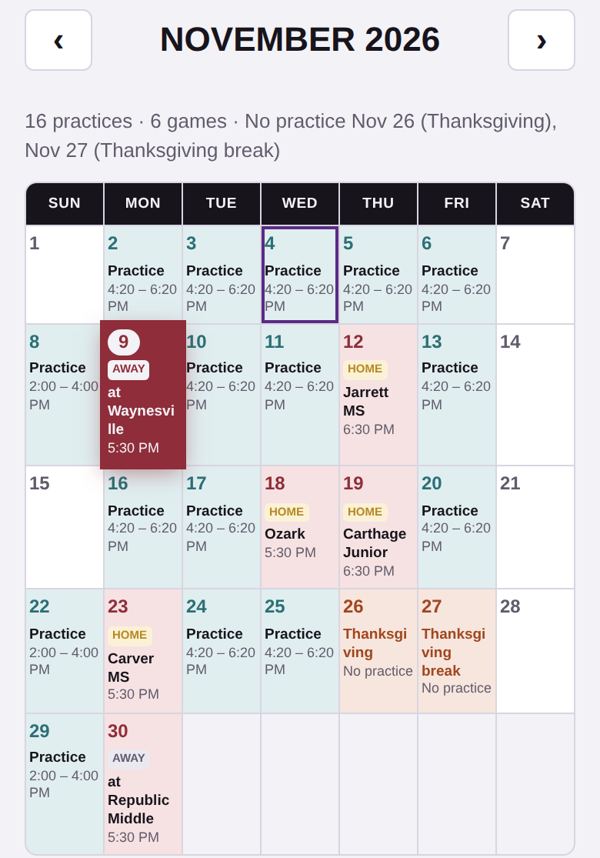
Practices, games, days off and bus times in one place, with a single link parents can always open.
Tap shots, rebounds and assists during the game. Season totals add themselves up.
Bus list check-in, game-day food sign-ups and a schedule page parents can read without an account.
Take a picture of a paper schedule or whiteboard play and the app reads it in for you.
Bring what you already have
Your plays are on a whiteboard, practice plans are in a binder, the schedule is a PDF from the district, and the roster is on a sign-up sheet. Snap a photo and the app turns it into the real thing. You check it before anything is saved.
Photograph a play from the whiteboard, your notebook or a printout. It comes in as an animated play you can edit. Drawn across several pictures? Add one photo per step.
Snap last season's practice sheet or today's whiteboard. Every drill comes in timed and in order, and new drills go straight into your library.
A game schedule, district calendar or screenshot becomes games and dates on your calendar, up to four pages at once.
Snap a printed or handwritten roster, or paste a list straight from a spreadsheet. Names, numbers and parent contacts fill in when they’re on the sheet.
Coaches can share a backup file with their drills, plays and practice plans. Import it and pick what you want to keep.
Snap your team logo and the app pulls the team colors from it, so every page and parent link looks like your program.
Playbook
Every step of a play animates with notes underneath, so players see the cut, the screen and the pass. Share the playbook with players by link.
Calendar
Change a practice time once and every coach and parent sees it. Parents can add the whole season to their phone's calendar.
Getting started
Your program, your way
Full staff, bus lists, parent calendar, practice plans and the playbook.
Tournament weekends, plays and live stats without the school extras.
A simple calendar and a few plays for volunteer coaches. Nothing to learn.
The Extra Coach
Shows on every practice in the app and on the parent calendar. Change it to fit your team.
No practice is scheduled on game days, and the practice before each game is marked in the planner.
Days off (holidays, breaks), extra practices outside your regular days (like a Sunday session), or a note on a practice day (like Tryouts).
Changing the sport switches drill categories and the play board. Plays drawn on the old board keep their positions but will sit on the new court.
The second color shows in stripes and the minutes meter. The logo shows in the header, on printed plans and on your players' playbook. A square PNG with a clear background looks best.
Team name and grade/level are on the tab. Season dates, practice times, games and special days are on the tab.
Turn off what this team doesn't use and it disappears from the app. Nothing is deleted: turn it back on and everything's still there.
Export all of your team's data as a backup, or just the parts you pick, like your plays to send to another coach. Import loads a file from this app (a backup from the Claude practice planner works too).
Loading…